Names, automatically.
Reads First Last and Last, First filenames to add a name beneath each portrait.
Class Compositer Photoshop plugin
Turn a folder of portraits into a balanced composite, with names, thoughtful framing, and every layer ready to edit in Photoshop.
Meet the plugin Release details to follow.Bring everyone together
Classes, teams, departments, clubs. Start with individual photos and let Class Compositer bring the group into one composition.
Names come from filenames. Portrait frames adapt to the canvas. Choose your text, background, and featured photos, then make the finishing touches in Photoshop.
Reads First Last and Last, First filenames to add a name beneath each portrait.
Flexible portrait frames make room for the group, with up to three larger featured photos.
Embedded Smart Objects, editable text, and separate backgrounds in a layered PSD or PSB.
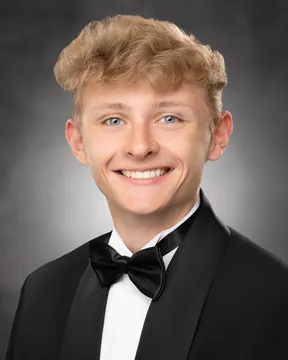
Local machine learning
A multi-stage vision pipeline combines neural face detection, head silhouette analysis, and scale normalization to guide the crop across the group.
BlazeFace estimates eye positions and facial landmarks. The crop targets an eye line one-third down the frame.
BodyPix segmentation helps estimate the upper head silhouette. Hair clearance informs the crop, including higher and fuller hairstyles.
A shared head-size target coordinates portrait scale, adapting when a hairstyle needs more room.
Your portraits stay on your computer.
No portrait uploads. No cloud analysis.
Inside Photoshop
A focused panel takes you from a folder of portraits to a layered document.
Choose your folder. Names come from the filenames, with optional featured photos to give people more space.
Add text above the portraits or in the center. Choose a solid color, gradient, or image background and a landscape or square canvas.
Create the document, adjust the Smart Objects and editable text, and save the layered PSD or PSB.
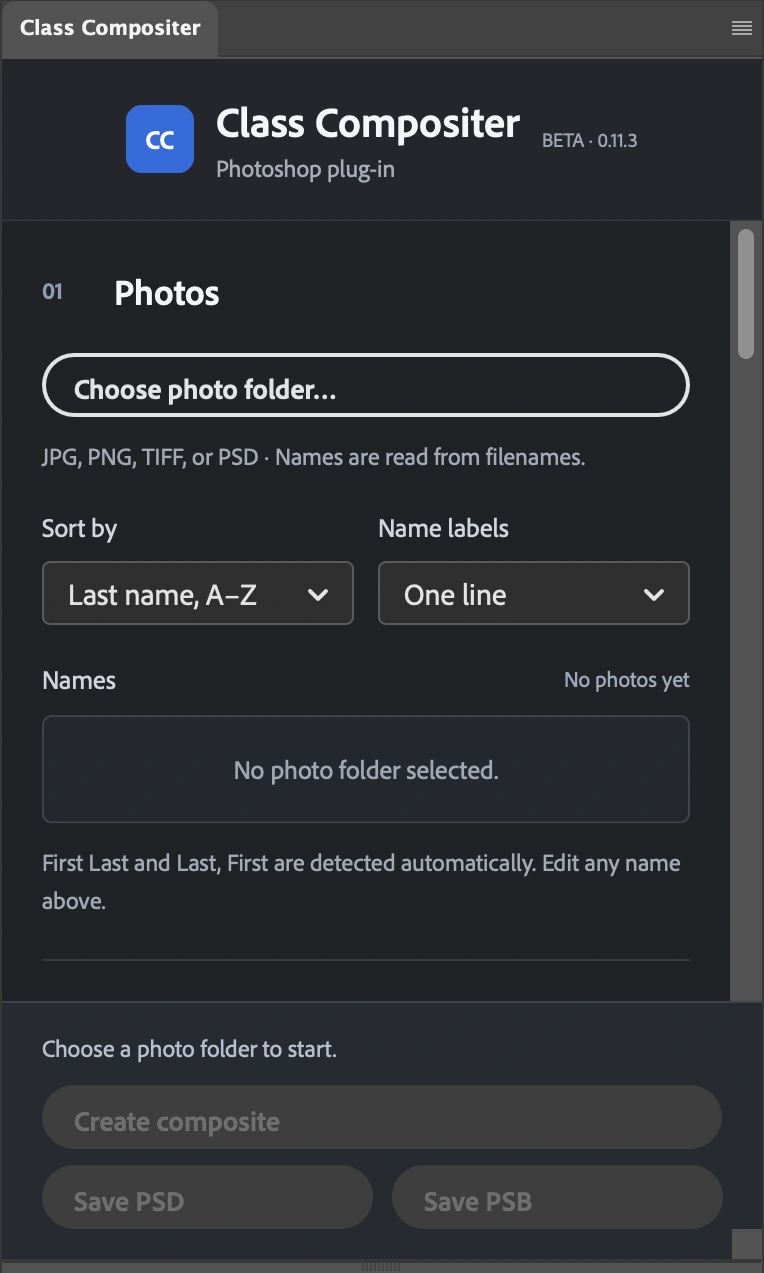
Another look
52 portraits. Names included.
Created with Class Compositer.
Class Compositer is being refined with feedback from photographers. Public release information will be shared here as it becomes available.
Questions or feedback? Say helloIndependent software. Not affiliated with or endorsed by Adobe.